When you want the virtual world
Zwift.
Race, explore and ride with others. Your trainer gets to be a road.
Before you buy another bike.
Good. You only need one trainer.
Ride Zwift when you want to race. Fire up CrankBeat when you want to spin. Same setup. Different kind of suffering.
One setup, compatible with both services. Check your exact hardware before buying.
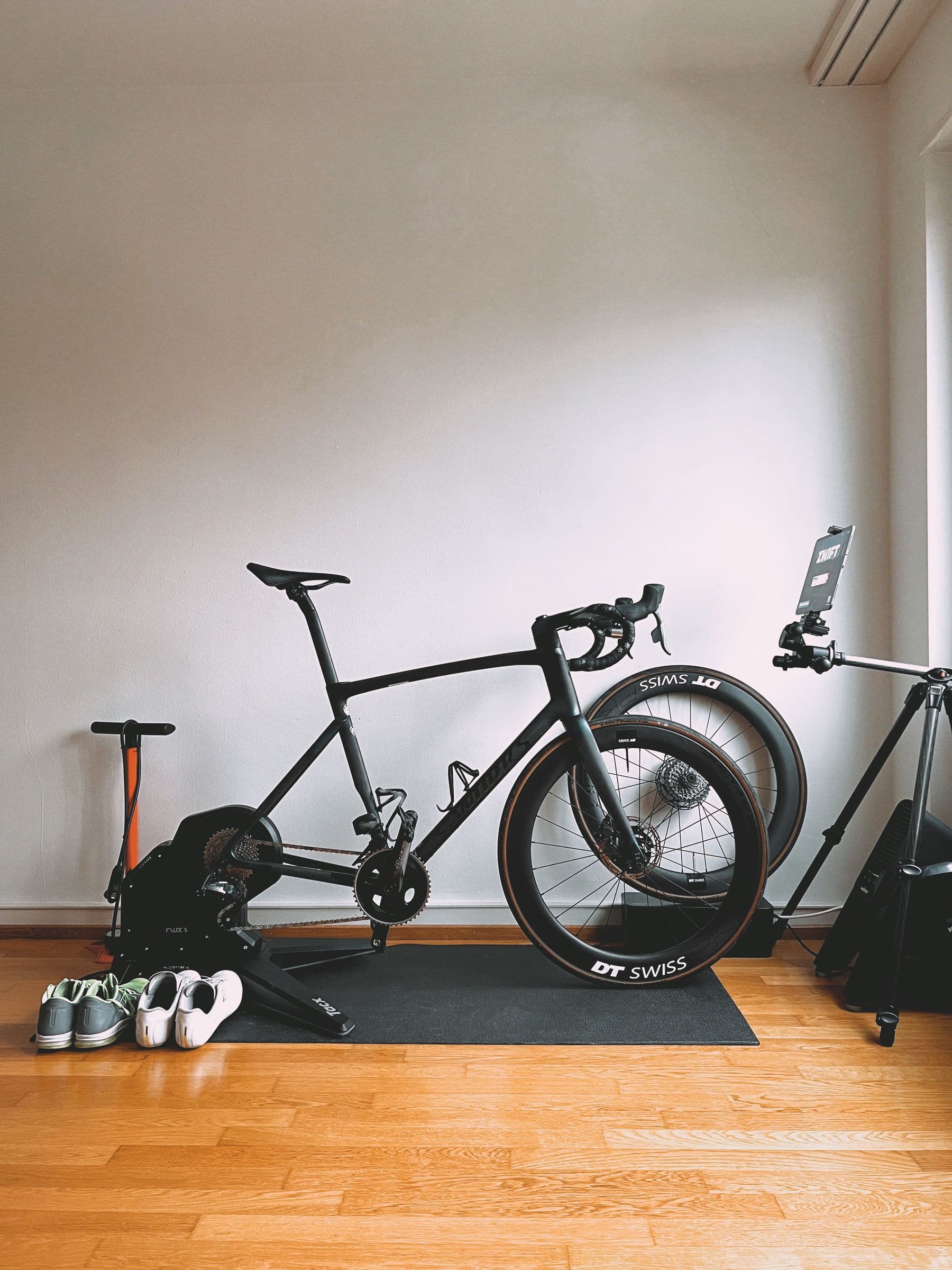
01 / Keep your options
A compatible smart trainer can connect to different cycling apps. Keep Zwift for virtual cycling and racing. Open CrankBeat for a spinning-focused ride. Switch services without buying another trainer.
When you want the virtual world
Race, explore and ride with others. Your trainer gets to be a road.
When you just want to spin
Put on your music. Adjust the resistance. Pedal. Your trainer gets a second job.
Use one app to control the trainer at a time. End your ride and disconnect it from Zwift before connecting in CrankBeat; do the reverse when switching back. These are separate services, with separate accounts.
02 / The shopping list
Buying a smart trainer for spinning? Check the whole setup before spending money. “Works with Zwift” alone doesn’t confirm CrankBeat compatibility.
A smart trainer uses your bicycle. A spin bike is a complete indoor bike. For both Zwift and CrankBeat, choose hardware that supports both services; a basic spin bike with a manual resistance knob won’t give CrankBeat control.
CrankBeat connects over Bluetooth FTMS, the fitness-equipment connection standard. For resistance control, your trainer must support FTMS resistance, simulation or target-power control. A trainer that only sends ride data cannot have its resistance controlled by CrankBeat. ANT+ alone is not enough.
Check the trainer manufacturer’s bike-fit requirements, including axle, cassette and any adapters. An indoor smart bike can replace the bicycle and trainer if it supports the same Bluetooth FTMS controls and works with both services.
Direct trainer pairing needs Bluetooth and a browser with Web Bluetooth support, such as Chrome on a supported Windows computer, Mac or Android device. Chrome on iPhone and iPad cannot pair directly. Check your exact browser and operating system before buying.
Check Chrome’s Bluetooth requirementsYou can spin without one. CrankBeat can display heart rate supplied through the connected trainer. Separate monitor pairing isn’t currently available, so verify that your trainer can relay it before buying a monitor for CrankBeat.
03 / Three whole steps
Fit your bicycle and power up the trainer following its manufacturer’s instructions. Turn on Bluetooth on your device.
Open Start a ride, select Find my trainer, and choose your trainer in the Bluetooth picker. Disconnect it from other cycling apps first.
Choose Free Spin. Use + and − to adjust resistance on a supported trainer. Your legs can take it from here.
04 / Our particular thing
Free Spin keeps the ride simple. No route to choose before you’ve even started pedalling.
Control your compatible trainer with + and −. More resistance. Less resistance. A refreshingly short manual.
Make your spin music-driven: play your own playlist separately and ride to it. CrankBeat doesn’t stream music or automatically match resistance to the beat.
The public experience currently offers Free Spin. Live Classes and a built-in music-led workout library aren’t currently available.
05 / The practical bit
CrankBeat is a separate subscription. Your compatible smart trainer and bicycle or indoor bike setup are purchased independently.
Zwift membership is separate too. One trainer can serve both experiences; it doesn’t bundle the subscriptions. Hardware is not included with CrankBeat.
Still shopping? Take a look at the ride screen. Already have compatible hardware? Connect it and spin.
Start a ride